 Farview
Farview
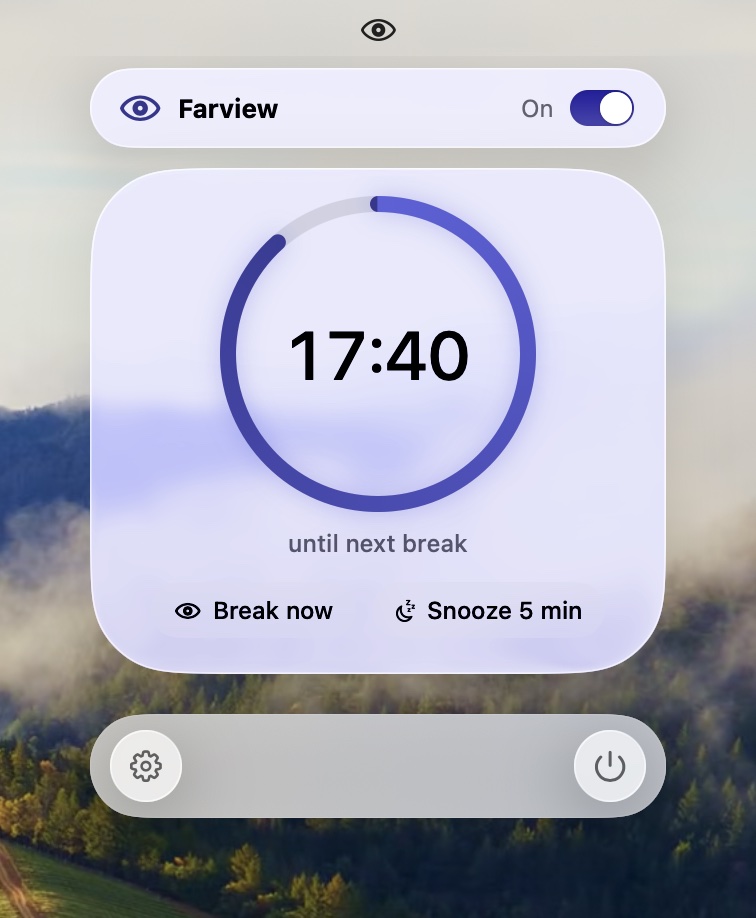
Every 20 minutes, look up.
Twenty seconds later, carry on. A calm break reminder that lives in your menu bar.
Coming soon to the Mac App StoreFor macOS 13 or later. Free, with an optional one-time Pro upgrade.
The break
An invitation, never a lock.
Your screen dims, a ring counts down twenty seconds, and then it's gone. Skip it whenever you like.
Look at something far away
Let your eyes rest on the distance.
1A heads-up
Ten seconds before, a small note drops from the menu bar. Snooze or skip it without leaving what you're doing.
2Twenty seconds
Every display fades to a soft dim. Your keyboard stays with your app, so you can finish the sentence.
3Carry on
The dim lifts and the next twenty minutes begin. No sound, unless you want one.
It knows when to leave you alone.
Waits for calls and videos
On a call or watching something? The break holds until you're done.
Time away counts
Step away from your desk and Farview counts it as a break taken.
Nothing to grant
No camera, no microphone, no permission prompts. No account, no setup.
Lives in the menu bar
No window, no Dock icon. One switch and one calm countdown.
Farview Pro
Your rhythm, your hours.
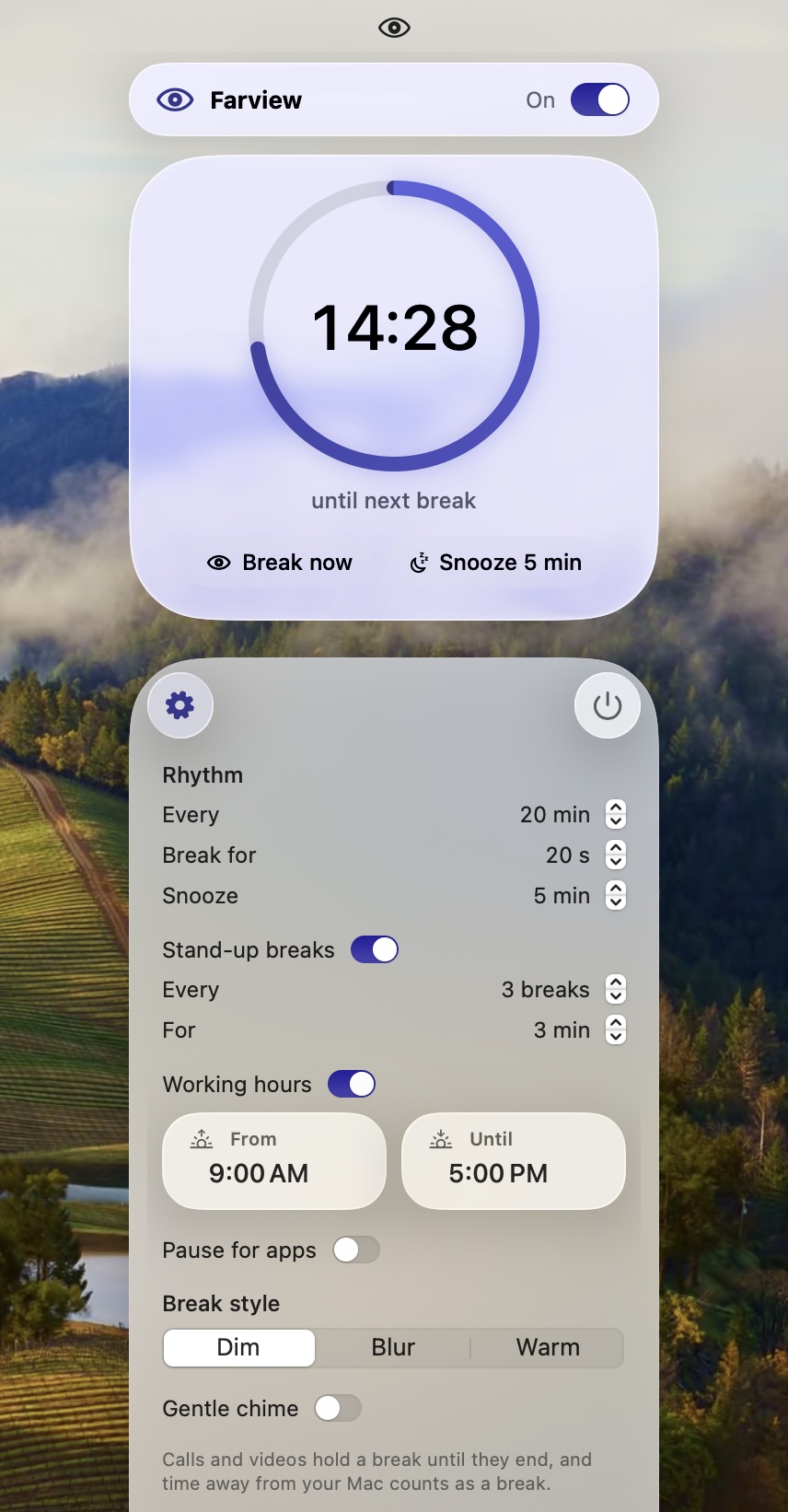
Breaks as often and as long as suits you. A longer stand-up break every few. Quiet outside working hours, and while the apps you pick are in front.
Farview Pro
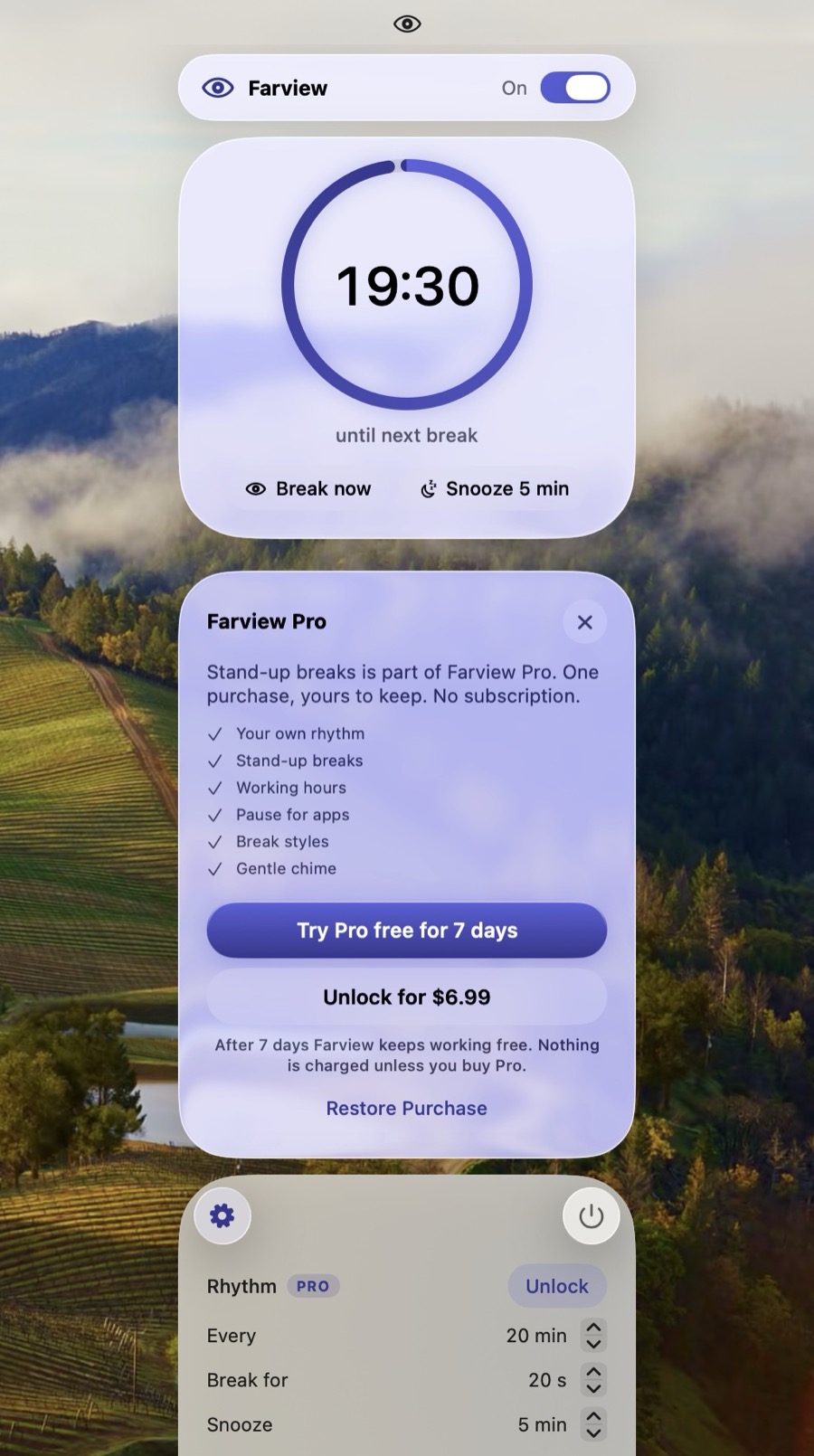
One purchase. Yours to keep.
Try all of it free for 7 days. No subscription. Family Sharing supported.
- Your own rhythm: every 10 to 60 minutes
- Stand-up breaks
- Working hours
- Pause for apps
- Break styles: dim, blur or warm
- A gentle chime
After the trial Farview keeps working free, on the 20-20-20 rhythm. Nothing is charged unless you buy Pro.
Support
How do I open Farview?
Click the eye in your menu bar. Farview has no window or Dock icon.
What is 20-20-20?
A simple rhythm for screen work: every 20 minutes, look at something about 20 feet away for 20 seconds. Farview reminds you to look away. It isn't a medical device and makes no health claims.
How do I skip or delay a break?
Click Skip or press Esc and the break ends at once. Snooze brings it back in 5 minutes. Both are on the heads-up note too, so you can decide before the screen dims.
Why didn't a break start?
Farview holds breaks while you're on a call or the app in front is playing video, and the panel says “Paused: on a call” or “Paused: video”. The break starts within 30 seconds of that ending. With Pro, breaks also wait outside your working hours and while an app on your pause list is in front.
Does Farview use my microphone or camera?
No. It asks macOS whether a microphone is in use, which is how it knows you're on a call, but it never opens the microphone, hears nothing, and doesn't use the camera at all. That's why it never asks for permission.
I stepped away. Do I still get a break when I'm back?
No. Time without keyboard or mouse input counts as a break, and a fresh interval starts when you return. Sleep, a locked screen and the screensaver pause the countdown too.
Does it work with more than one display?
Yes. A break dims every connected display, and follows along if you plug one in or unplug it.
What happens when the free trial ends?
Farview keeps working free on the 20-20-20 rhythm, and nothing is charged. Your Pro settings are kept, and come back if you buy Pro later. The trial can be started once per Apple Account.
How do I restore my Farview Pro purchase?
Open Settings in Farview and choose Restore next to Farview Pro, signed in with the same Apple Account you bought it with.
How do I uninstall Farview?
Quit Farview from its panel, turn off Open at login if you enabled it, then drag Farview from Applications to the Trash.
Still stuck? Email andy@justalever.com and include your Mac model and macOS version.